Lesson AI Summary
Experience the immersive world of "Computer Maintenance and Repairs," an augmented and virtual reality training module designed to equip you with essential skills for maintaining and repairing computer systems. In this engaging experience, you will learn the importance of preventive maintenance scheduling, which establishes routine tasks to minimize unexpected failures and extend the lifespan of your equipment. You will explore the use of diagnostic software to test hardware components, helping you identify issues early and perform targeted repairs or replacements.
The training emphasizes the significance of keeping your operating system and security software up to date to protect against vulnerabilities. You'll also discover best practices for cable management and organization, ensuring a tidy workspace and reducing hardware risks. Safety precautions, including the use of anti-static protection, are highlighted to safeguard both technicians and hardware during repairs. You'll gain hands-on experience with hardware inspections, cleaning techniques, and the necessary tools to maintain optimal system performance. By the end of this experience, you will be well-prepared to ensure your computer operates efficiently and securely, making it an invaluable resource for anyone reliant on technology.
AI Conversation
Computer maintenance and repairs
https://www.youtube.com/watch?v=ZYGND_SLqUQ
Computer maintenance and repairs encompass systematic procedures to ensure computers operate efficiently and securely. This includes safety precautions, cleaning, hardware checks, diagnostics, software updates, and organization. Regular maintenance prevents failures, extends equipment lifespan, and safeguards data, making it essential for reliable technology use in any setting.

preventive maintenance scheduling
Preventive maintenance scheduling establishes regular intervals for performing maintenance tasks. This proactive approach ensures that cleaning, inspections, updates, and diagnostics are consistently carried out, reducing the likelihood of unexpected failures and extending the lifespan of computer equipment.

diagnostic software
Diagnostic software tests the health and functionality of computer hardware components, including memory, storage drives, and processors. Running diagnostics helps identify faults or performance issues early, allowing for targeted repairs or replacements and minimizing unexpected downtime.
system and security updates
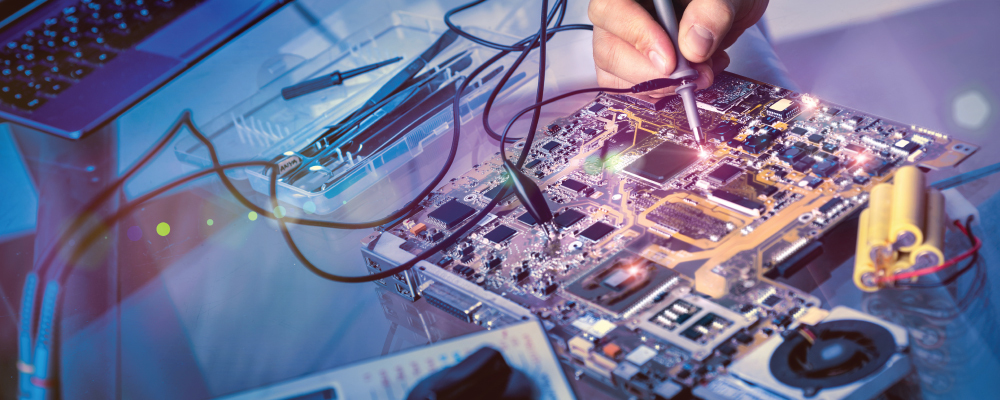
Keeping the operating system and security software up to date is essential for protecting against vulnerabilities and malware. Regular updates patch security holes, improve system stability, and ensure compatibility with new hardware or applications, maintaining the overall integrity of the computer.
cable management and organization
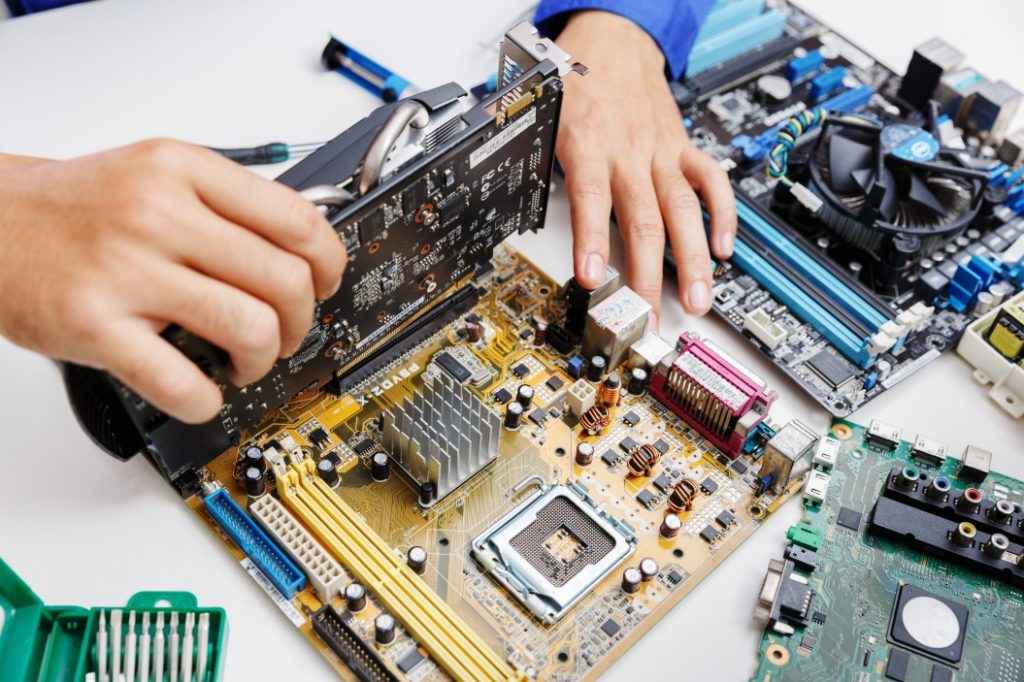
Proper cable management involves organizing and securing cables to prevent tangling, accidental disconnections, or damage. Using cable organizers and labeling helps maintain a tidy workspace, simplifies future maintenance, and reduces the risk of hardware issues caused by loose or strained connections.

anti-static protection
Anti-static protection prevents electrostatic discharge, which can irreparably damage sensitive computer components. Using anti-static wrist straps and mats grounds the technician, ensuring static electricity is safely dissipated before handling internal hardware. This is a critical practice during any internal inspection or repair.
https://www.youtube.com/watch?v=TG-1pxSGXU8
safety precautions
Safety precautions are the first step in computer maintenance. This involves shutting down the system, unplugging all cables, and using anti-static equipment. These measures protect both the technician and the hardware from electrical hazards and electrostatic discharge, which can cause component damage or data loss.
https://www.youtube.com/watch?v=9aFVjvCJcbk
hardware inspection and reseating
Hardware inspection involves checking all internal connections, such as cables and memory modules, for looseness or wear. Reseating these components ensures stable electrical contact, preventing intermittent failures. This step is vital for maintaining reliable operation and identifying potential issues before they escalate.
https://www.youtube.com/watch?v=mZ8JkPcmvnw
cleaning internal components
Cleaning removes dust and debris from inside the computer, especially from fans, vents, and circuit boards. Tools like compressed air and lint-free cloths are used to prevent overheating and maintain optimal airflow. Regular cleaning reduces the risk of hardware failure and improves system performance.
https://www.youtube.com/watch?v=huJFlml1zuM